Punchclock: Toggl, Clockify and Harvest on your Stream Deck
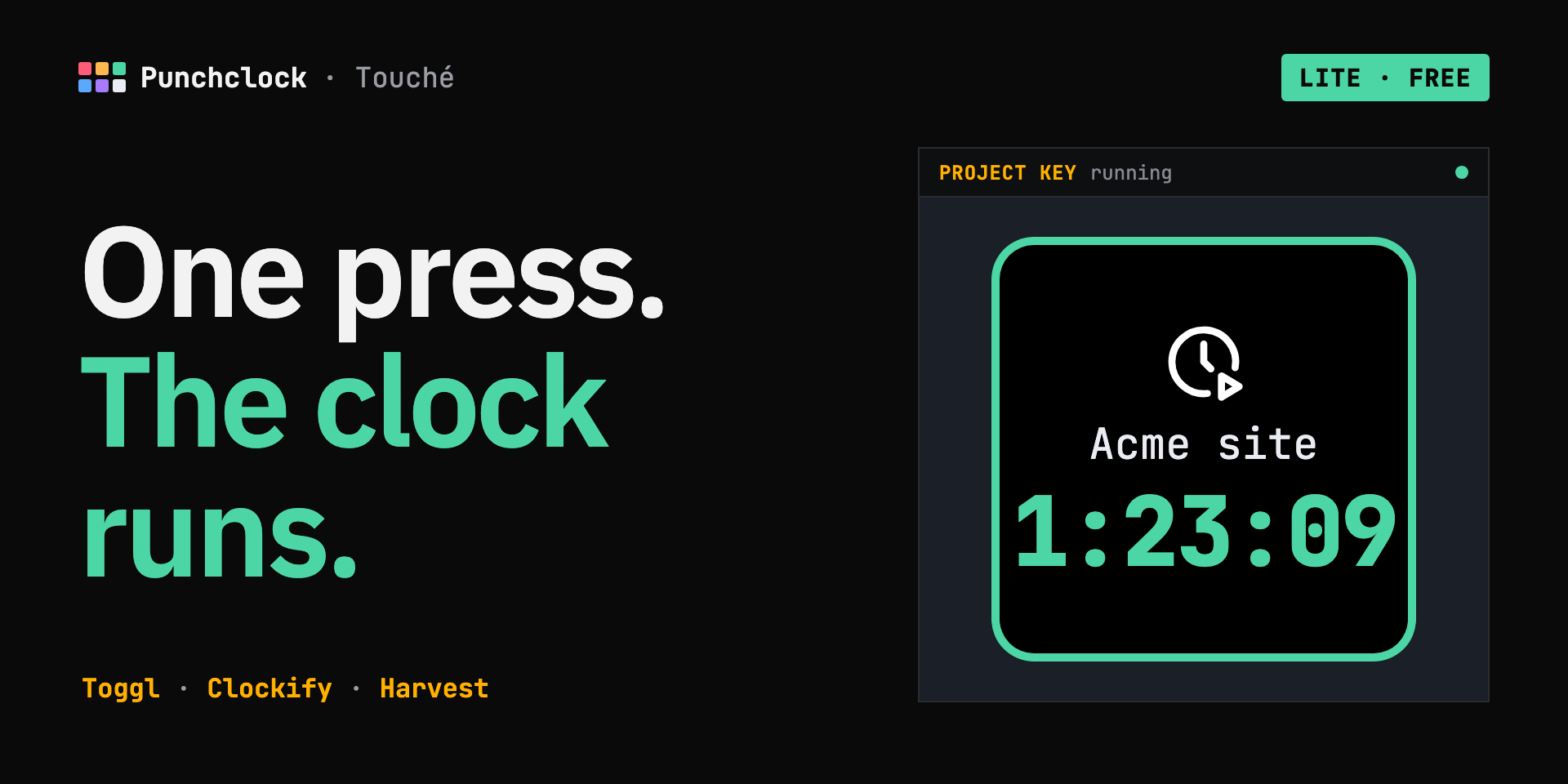
Start and stop timers with one press. The clock runs on the key, and the plugin keeps working on free plans.
Punchclock Lite free
Start, stop and see your timers on the keys. One account.
Get Lite on Elgato →HOW IT WORKS
Paste your Toggl, Clockify or Harvest API token in the plugin's settings. It stays on your computer.
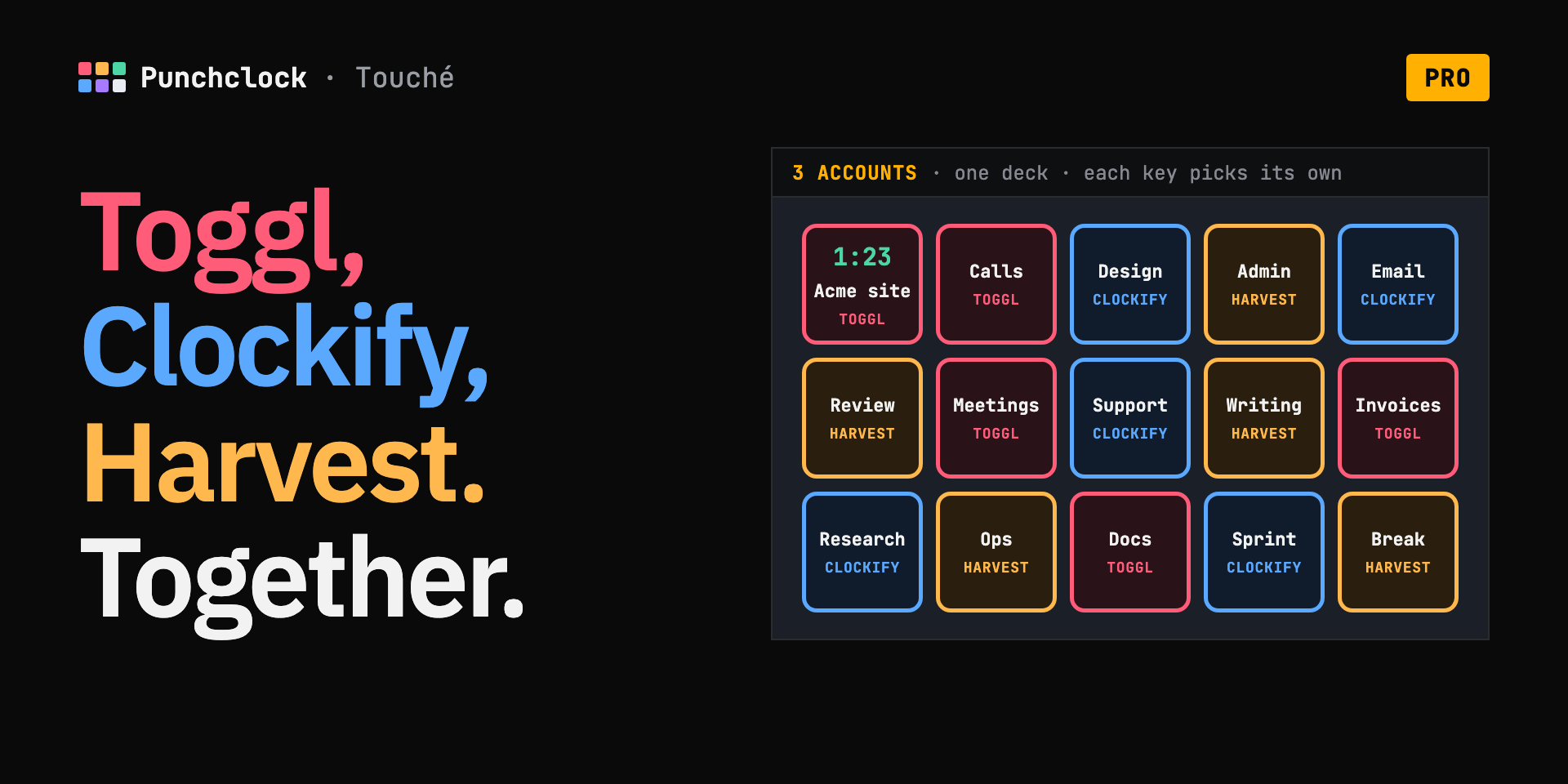
Give each key a project. The key takes the project's colour.
Press a key: the timer starts and the clock runs on it. Press again to stop.
ON THE MARKETPLACE
LITE OR PRO Pro includes everything in Lite
| LITE Free | PRO €8.99 paid once | |
|---|---|---|
| IN LITE AND PRO | ||
| One press starts a timer, another stops it | ✓ | ✓ |
| The clock runs live on the key | ✓ | ✓ |
| Shows the running timer, wherever you started it | ✓ | ✓ |
| Spares your API quota: 30 requests an hour | ✓ | ✓ |
| Plain errors on the key (“Check token”, “Limit until 14:05”) | ✓ | ✓ |
| PRO ONLY | ||
| Toggl, Clockify and Harvest accounts at once | — | ✓ |
| Resume your last entry in one press | — | ✓ |
| Hold the key to discard a timer started by mistake | — | ✓ |
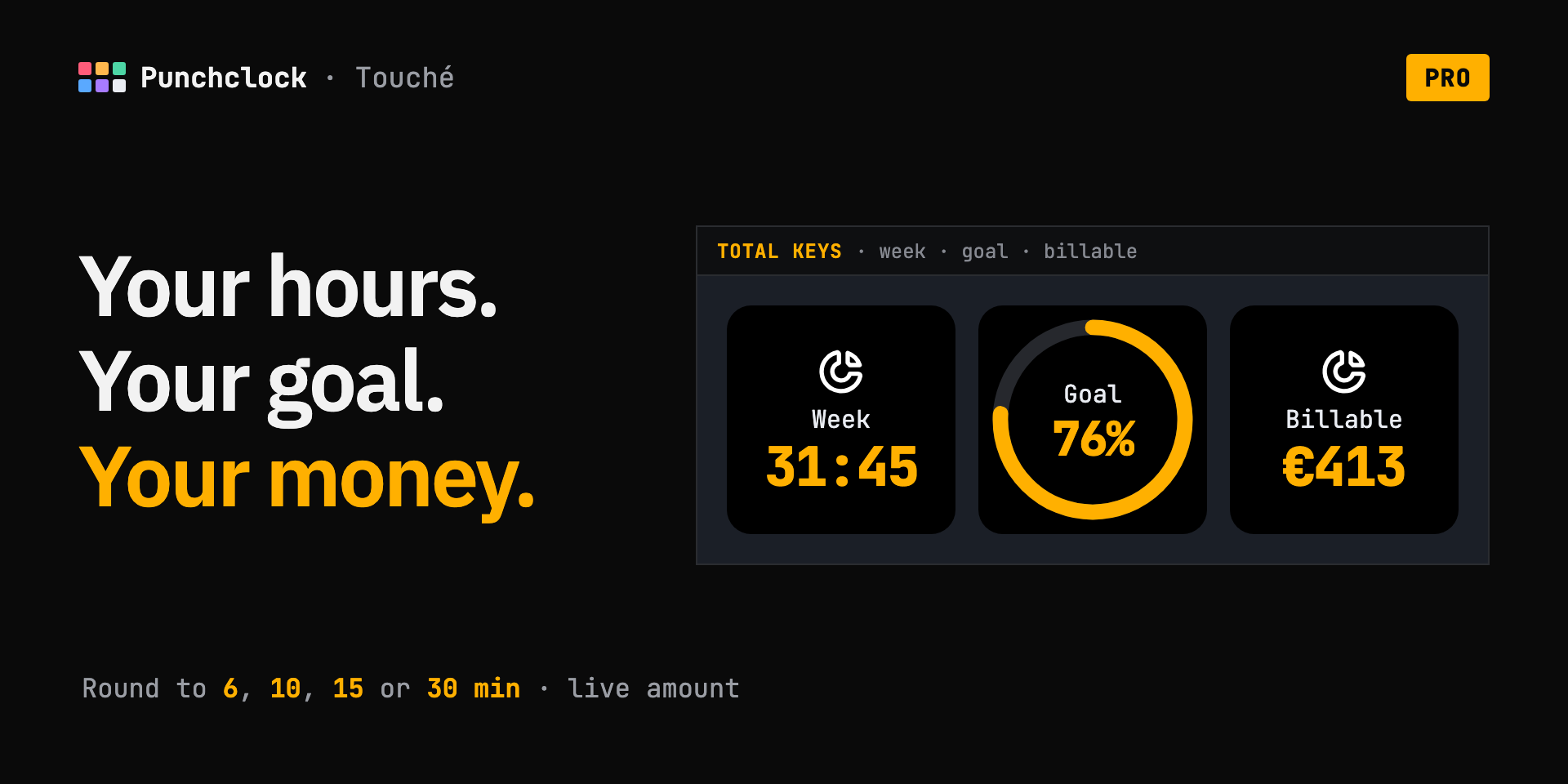
| Today and week totals, with a goal ring | — | ✓ |
| Billing: round to 6, 10, 15 or 30 min, live amount | — | ✓ |
| Move over from Lite without retyping | — | ✓ |
FAQ
01The key says “Check token”.
Your API token was revoked or pasted wrong. Copy it again from your Toggl, Clockify or Harvest profile, then paste it in the plugin's settings.
02The key says “Limit until 14:05”.
Free plans allow 30 requests an hour. Punchclock waits until the time shown, then picks up on its own. Your timers keep running on the service.
03I can't see the plugin in Stream Deck after installing it.
Quit the Stream Deck app and open it again.
04How do I move from Lite to Pro?
Install Pro, click “Send this account to Pro” in Lite's settings, then open a Punchclock Pro key within 10 minutes. You only need to place your keys again.
05Does my data go through your servers?
No. The plugin talks to Toggl, Clockify or Harvest straight from your computer.
HELP
[email protected]Tell me which service you use, and what the key shows.
Two plain messages instead of an exclamation mark. Answers in FAQ 01 and 02.
GET PUNCHCLOCK
- VERSION
- Lite 0.1.0
- SYSTEMS
- macOS 13+ · Windows 10+
- SERVICES
- Toggl · Clockify · Harvest
- QUESTIONS
- [email protected]